How to get a manual VPN config
Generate VLESS, IKEv2 or OpenVPN settings in your account.
Manual configs let you use RealVPN without our app — on routers, Linux, work laptops and in third-party clients like Hiddify or OpenVPN Connect.
-
Open Manual VPN setup
Sign in, open the Account menu in the top-right corner and choose Manual VPN setup — or go to realvpn.io/settings.
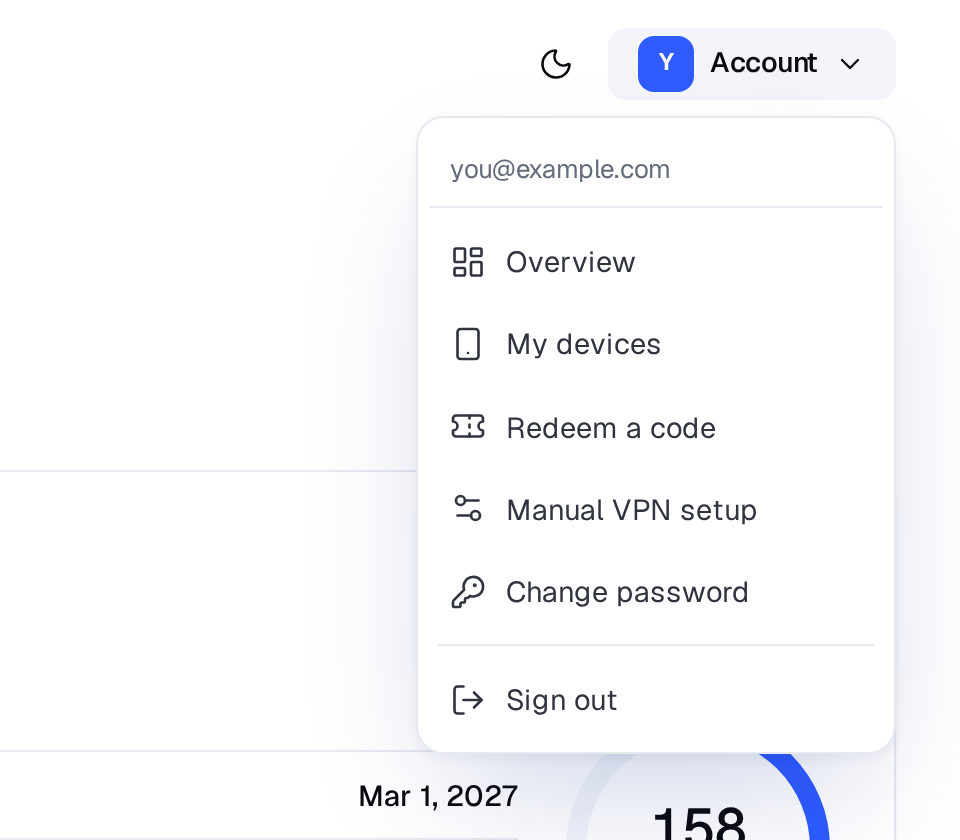
Account menu → Manual VPN setup. -
Choose protocol, location and device
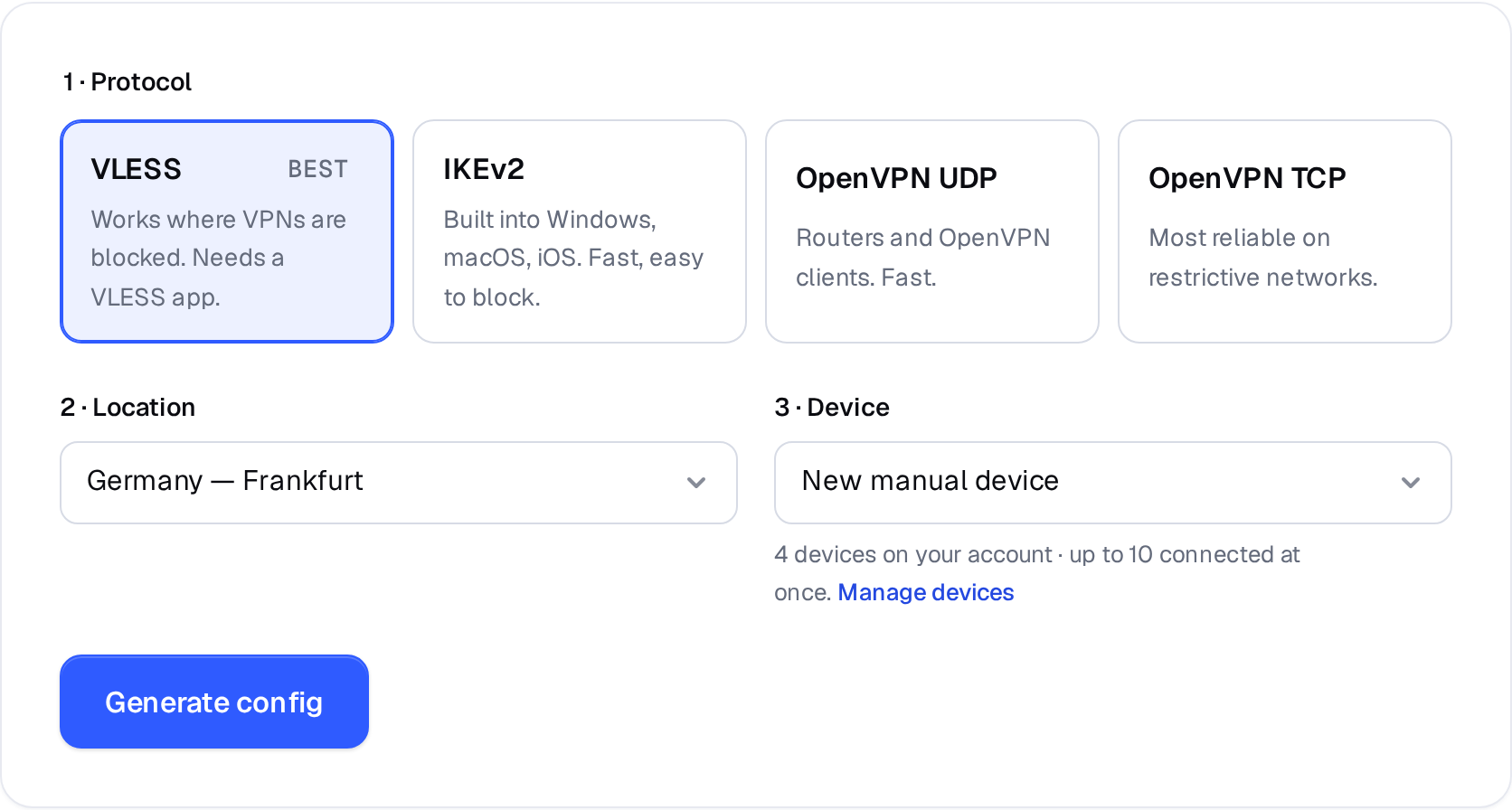
- VLESS — a link + QR code for Hiddify or V2RayTun. Best where VPNs are blocked.
- IKEv2 — server, login and password for the VPN settings built into Windows, macOS, iOS and Android.
- OpenVPN UDP / TCP — a
.ovpnfile for OpenVPN clients and routers. Use All locations as .zip to get a file for every server.
Device: pick New manual device for a new router or computer. Re-generating for the same device? Pick it in the list so it keeps one entry in My devices.
-
Press Generate config
VLESS and IKEv2 details appear on the page; OpenVPN files download automatically.
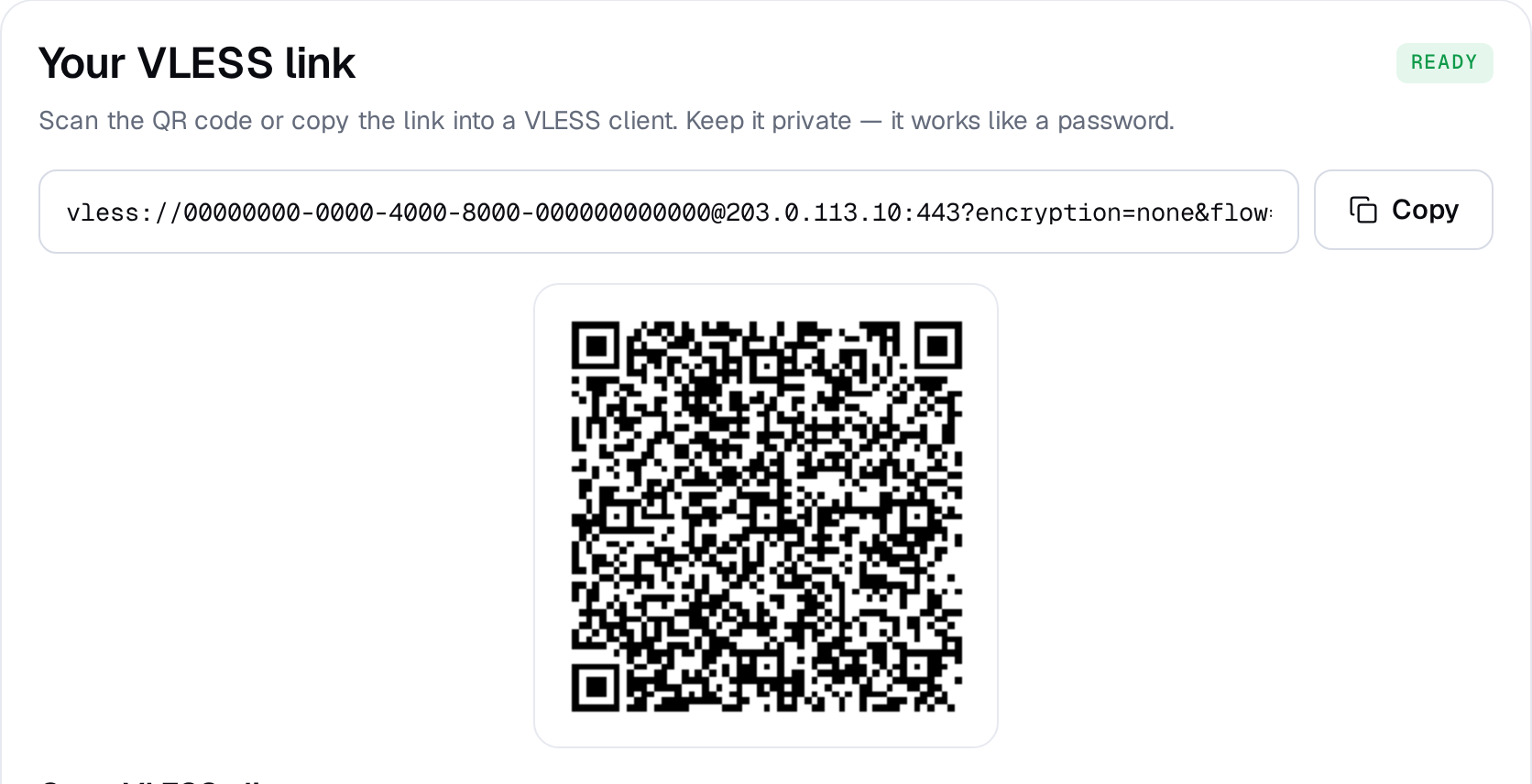
VLESS: copy the link or scan the QR code. 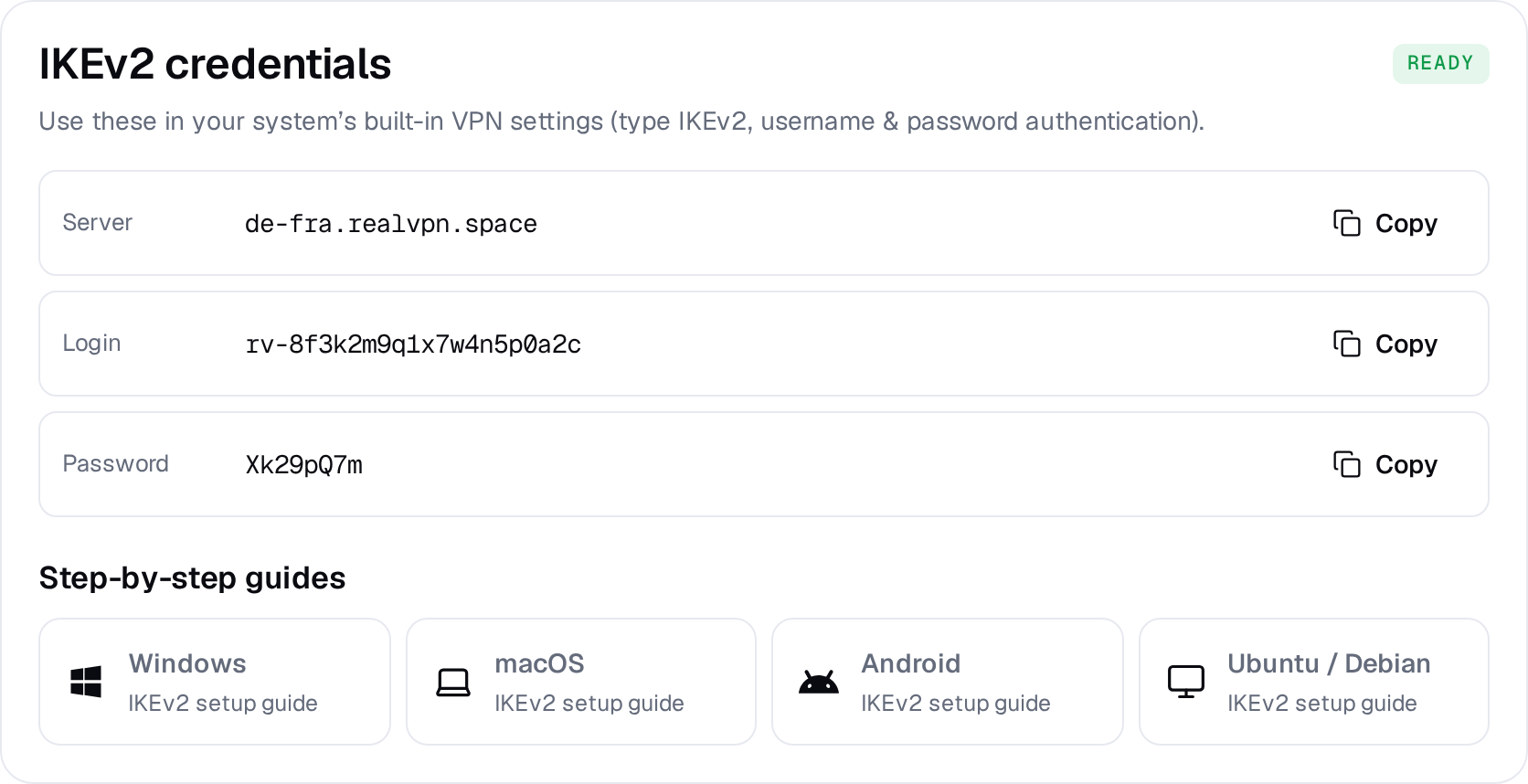
IKEv2: server, login and password with copy buttons.
Treat these credentials like a password. If they leak, press Revoke VPN credentials on your account page — all manual profiles stop working and you can generate new ones.