VLESS on Linux with Hiddify
AppImage or .deb, TUN mode.
Hiddify runs on Ubuntu, Debian, Fedora, Arch and most desktop distributions and supports a system-wide TUN mode.
What you need
- A 64-bit Linux desktop (GNOME, KDE, Xfce…)
- An active RealVPN plan
- About 5 minutes
-
Get your VLESS config
Sign in at realvpn.io, open the Account menu and choose Manual VPN setup — or go straight to realvpn.io/settings.
Select VLESS, choose a location close to you and press Generate config. You’ll get a VLESS link and a QR code.
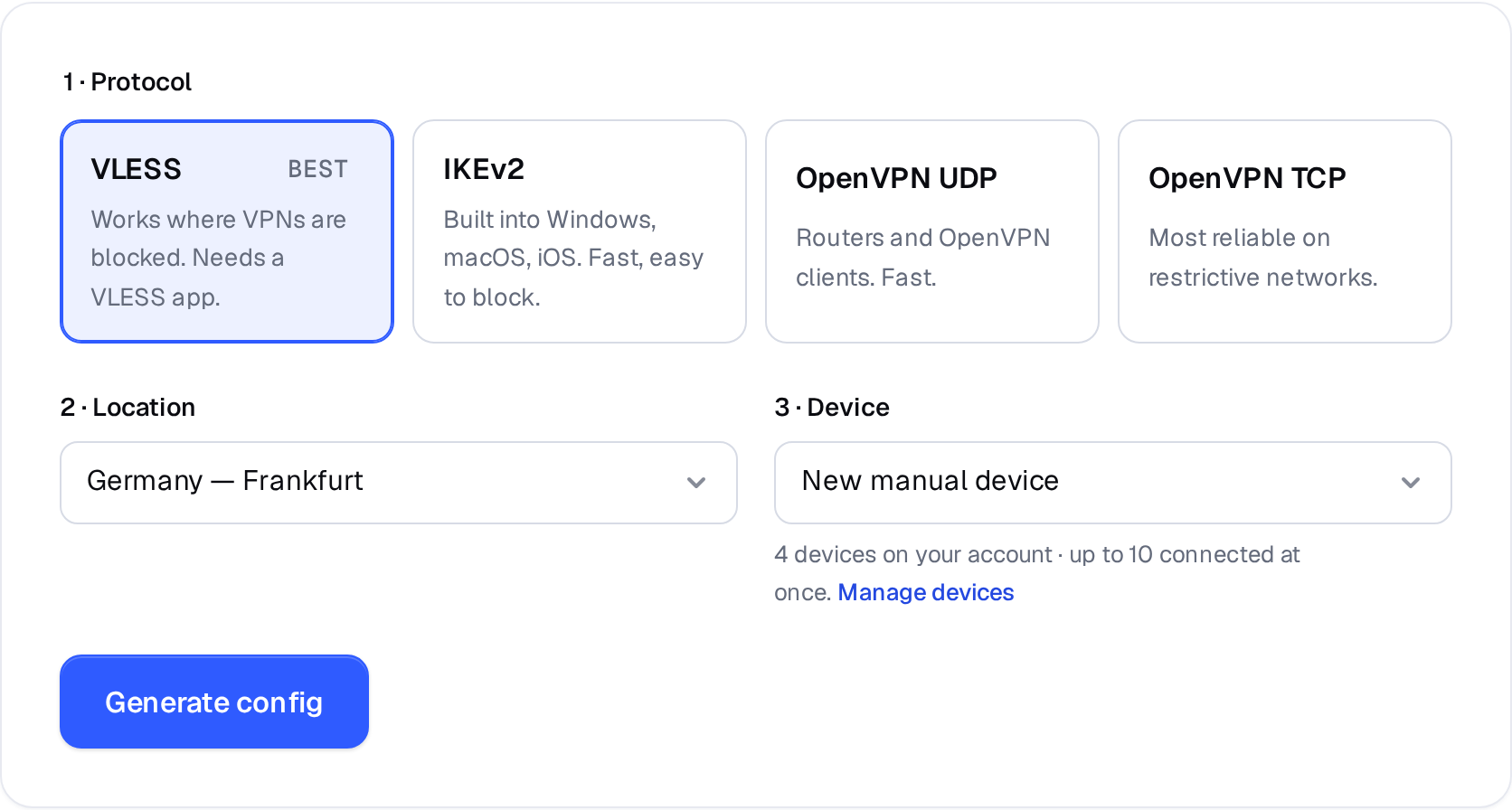
Manual VPN setup: pick a protocol, a location and a device. 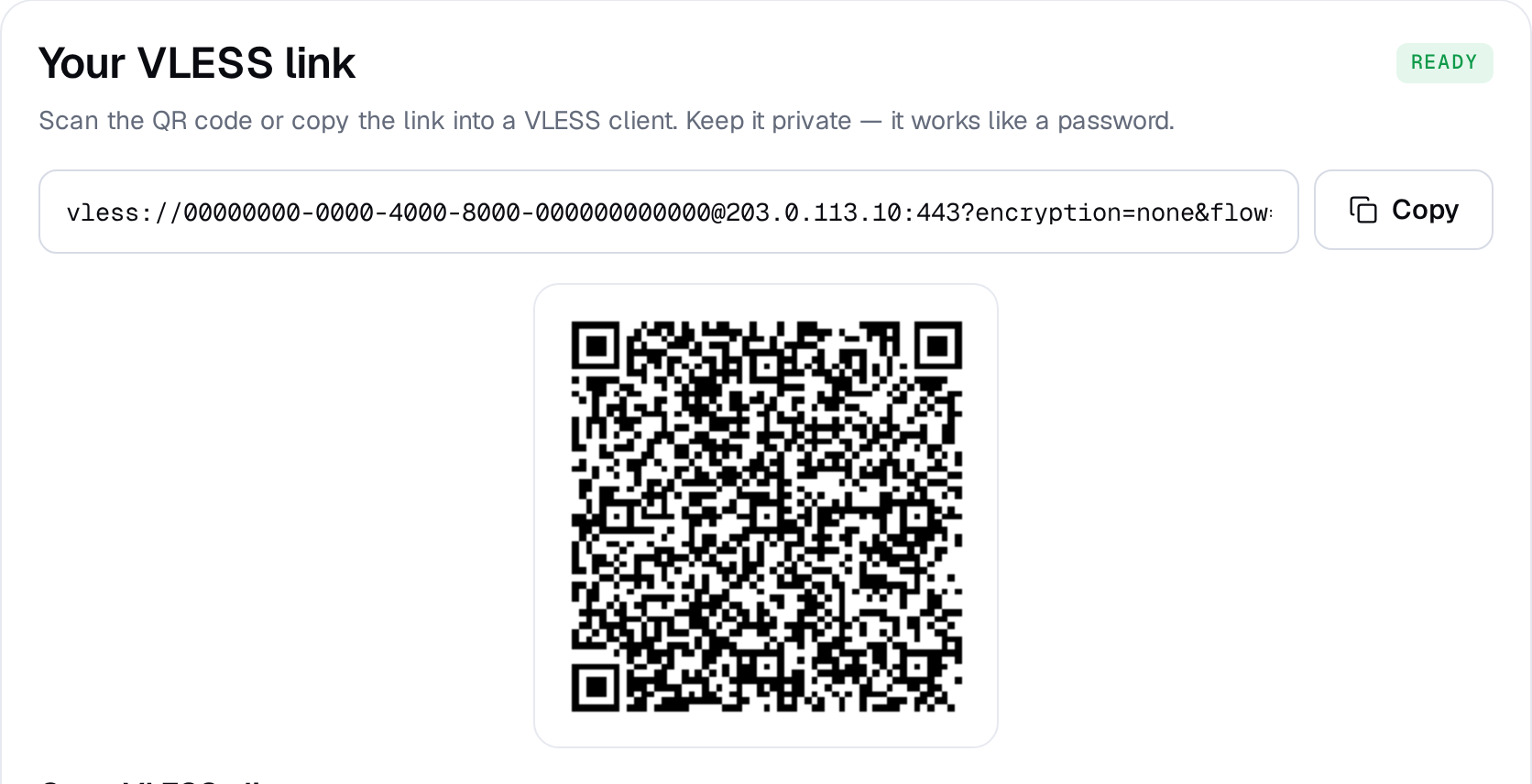
Example result — your values will be different. Device: choose New manual device the first time. Setting up the same device again? Pick it from the list to reuse its credentials instead of creating a new one.
-
Install Hiddify
Download the AppImage (or .deb for Ubuntu/Debian) from the official GitHub releases. For the AppImage run
chmod +x Hiddify-Linux-x64.AppImageand start it; for the .deb runsudo apt install ./Hiddify-Debian-x64.deb. -
Import your VLESS link
Click Copy on the config page, then in Hiddify click New Profile (+) → Add from clipboard.
Profiles New ProfileAdd from clipboardScan QR codeAdd manually -
Enable VPN (TUN) mode
In Settings → Config options set Service mode to VPN. Hiddify asks for your password to create the TUN interface.
-
Connect
Select the RealVPN profile and press the big connect button.
Connected · RealVPN -
Check it works
Open realvpn.io — the Live check card at the top shows the IP and country websites see. It should be the RealVPN server, not your own.
Hiddify can’t connect? Generate a config for another location, or check I can’t connect. Generate a separate config for each device so you can manage them individually in My devices.