MikroTik (RouterOS 7)
OVPN client with certificates.
RouterOS 7 supports OpenVPN over UDP. You import the certificates and create an OVPN client interface — here with copy-paste terminal commands.
What you need
- MikroTik with RouterOS 7 (RouterOS 6 supports TCP only)
- WinBox or WebFig access
-
Get your OpenVPN certificates
On realvpn.io/settings choose OpenVPN UDP, a location and New manual device, then press Generate config. RealVPN.ovpn is saved to your Downloads.
Then press Certificates (.zip) and unzip it — you’ll need
ca.crt,client.crt,client.keyand the server name inserver.txt.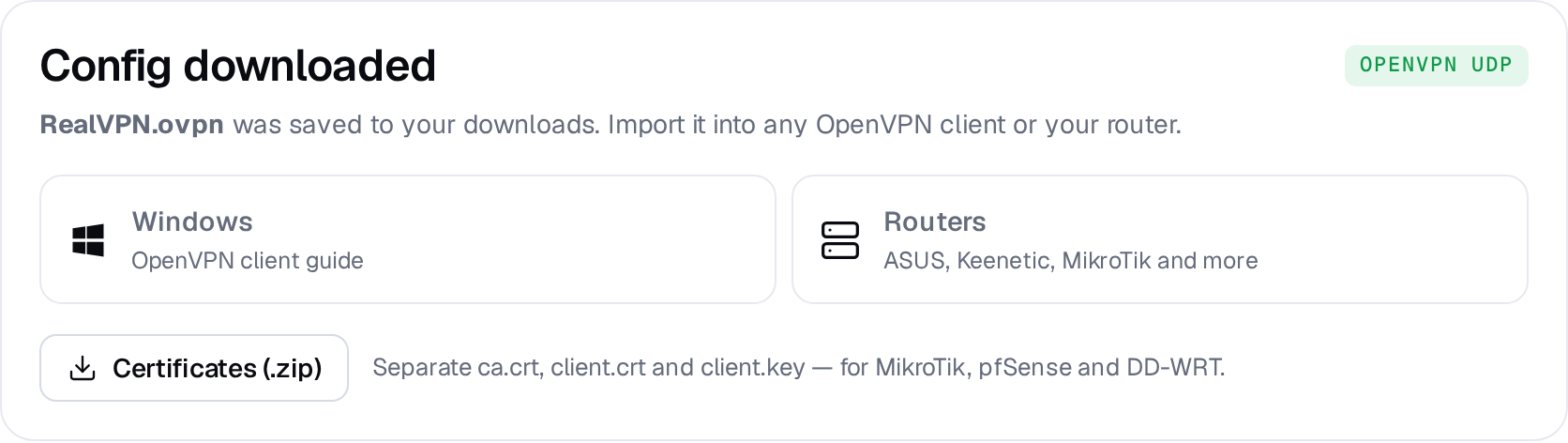
-
Upload the certificates
In WinBox open Files and drag in
ca.crt,client.crtandclient.key. -
Import them
Open New Terminal and run:
[admin@MikroTik] > /certificate import file-name=ca.crt passphrase="" [admin@MikroTik] > /certificate import file-name=client.crt passphrase="" [admin@MikroTik] > /certificate import file-name=client.key passphrase="" [admin@MikroTik] > /certificate print # client.crt_0 should show flags K T -
Create the OVPN client
Replace
de-fra.realvpn.spacewith the server fromserver.txt:> /interface ovpn-client add name=realvpn connect-to=de-fra.realvpn.space port=1194 \ protocol=udp mode=ip user=realvpn certificate=client.crt_0 \ cipher=aes256-gcm auth=null verify-server-certificate=yes \ add-default-route=yes > /interface ovpn-client monitor realvpn # status: connected -
Allow LAN traffic out through the tunnel
> /ip firewall nat add chain=srcnat out-interface=realvpn action=masquerade comment="RealVPN"With
add-default-route=yesall traffic uses RealVPN. To route only certain devices, set it tonoand use a routing table with/routing ruleor mangle rules.
Keep a way back in: if you lose access after changing routes, connect with WinBox via MAC address and disable the realvpn interface.