IKEv2 on Linux
strongSwan with NetworkManager.
Use strongSwan with NetworkManager to connect Ubuntu, Debian and similar distributions over IKEv2.
What you need
- Ubuntu 20.04+, Debian 11+ or similar with NetworkManager
- An active RealVPN plan
-
Get your IKEv2 config
Sign in at realvpn.io, open the Account menu and choose Manual VPN setup — or go straight to realvpn.io/settings.
Select IKEv2, choose a location close to you and press Generate config. You’ll get a server address, login and password.
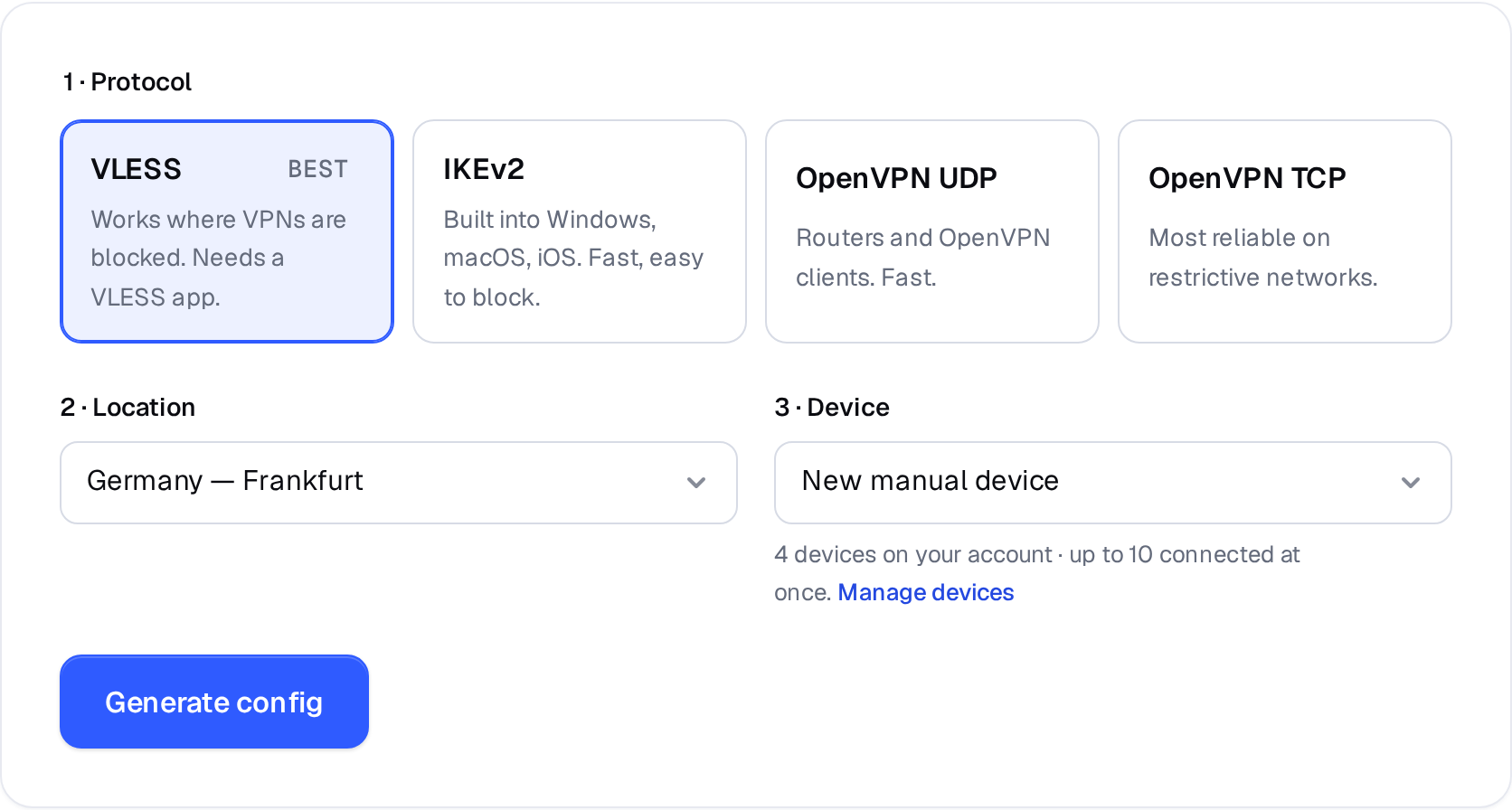
Manual VPN setup: pick a protocol, a location and a device. 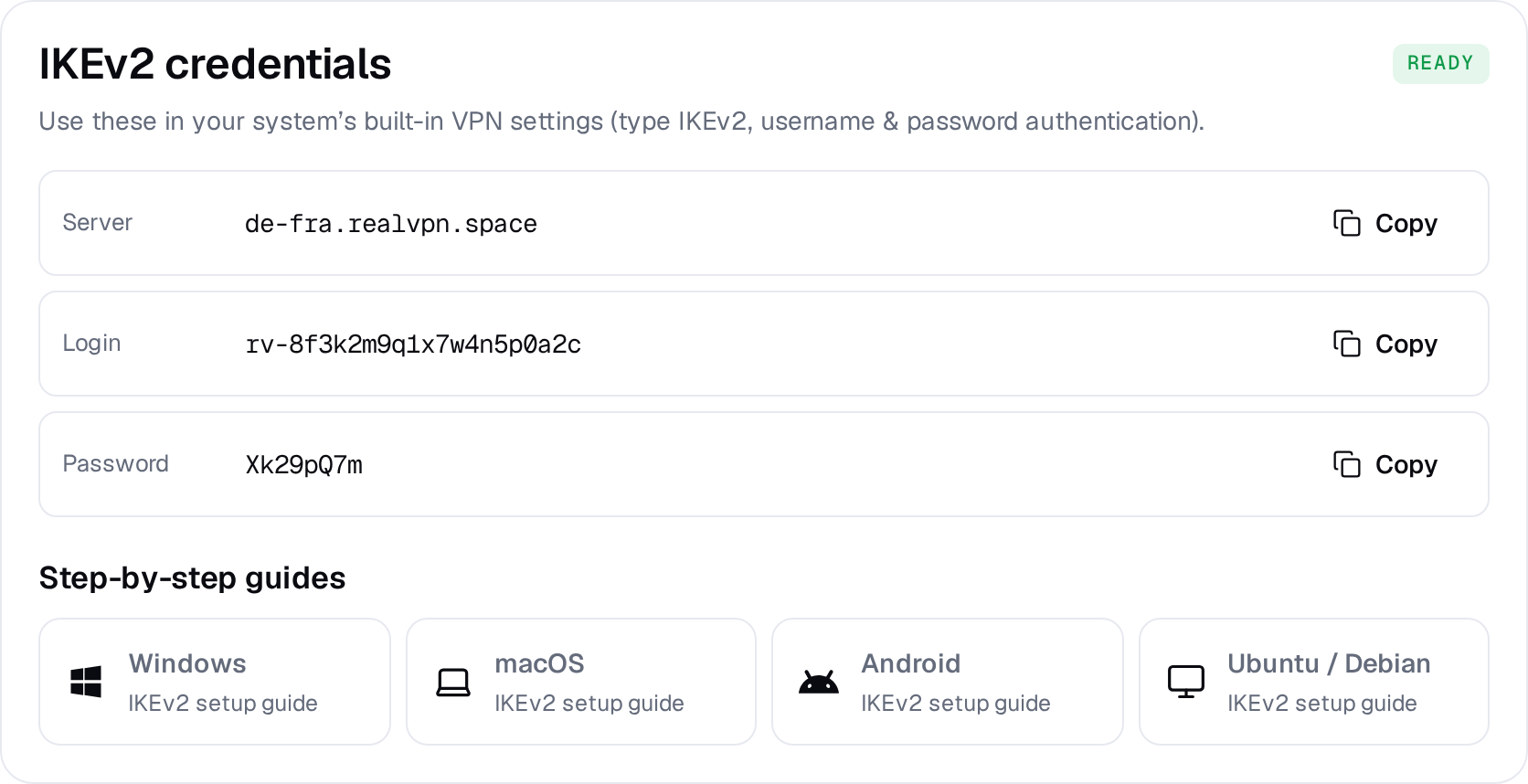
Example result — your values will be different. Device: choose New manual device the first time. Setting up the same device again? Pick it from the list to reuse its credentials instead of creating a new one.
-
Install the strongSwan plugin
$ sudo apt update $ sudo apt install network-manager-strongswan libcharon-extra-plugins libstrongswan-extra-plugins # Fedora: sudo dnf install NetworkManager-strongswan-gnomeLog out and back in (or restart NetworkManager) so the new VPN type appears.
-
Add the connection
Open Settings → Network, click + next to VPN and choose IPsec/IKEv2 (strongswan).
NameRealVPNAddressde-fra.realvpn.spaceCertificate(none — use system CAs)AuthenticationEAP (Username/Password)Usernamerv-8f3k2m9q…Password••••••••Request an inner IP address -
Connect
Switch the RealVPN toggle on in the network menu. Check with
curl -s https://api.ipify.org.
OpenVPN or VLESS may be simpler on Linux — see OpenVPN on Linux and VLESS on Linux.