VLESS on Windows with Hiddify
Import your link and connect in system-wide VPN mode.
Hiddify is a free, open-source client that runs VLESS system-wide on Windows. Use it when the RealVPN app or other protocols can’t connect.
What you need
- Windows 10 or 11
- An active RealVPN plan
- About 5 minutes
-
Get your VLESS config
Sign in at realvpn.io, open the Account menu and choose Manual VPN setup — or go straight to realvpn.io/settings.
Select VLESS, choose a location close to you and press Generate config. You’ll get a VLESS link and a QR code.
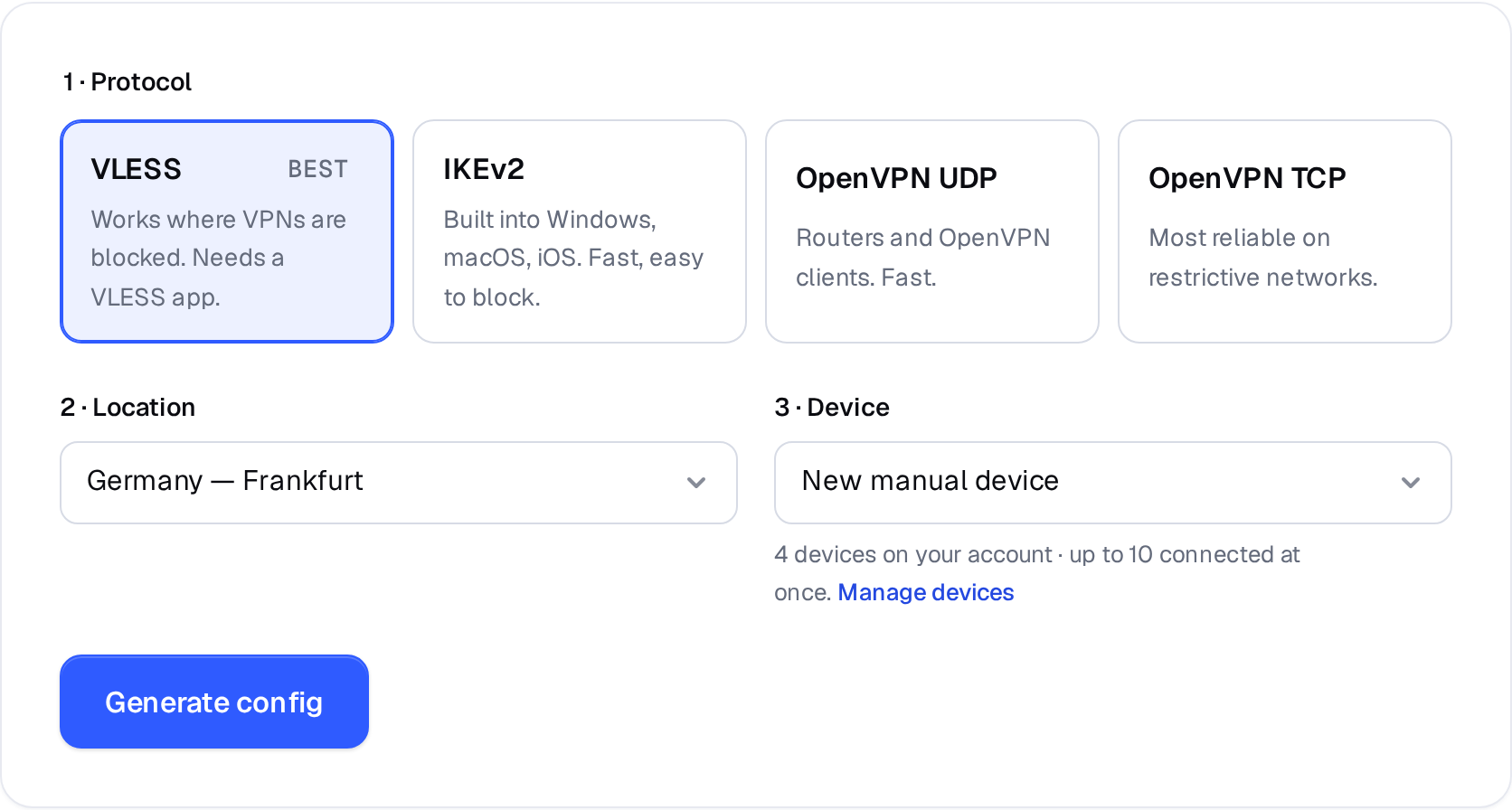
Manual VPN setup: pick a protocol, a location and a device. 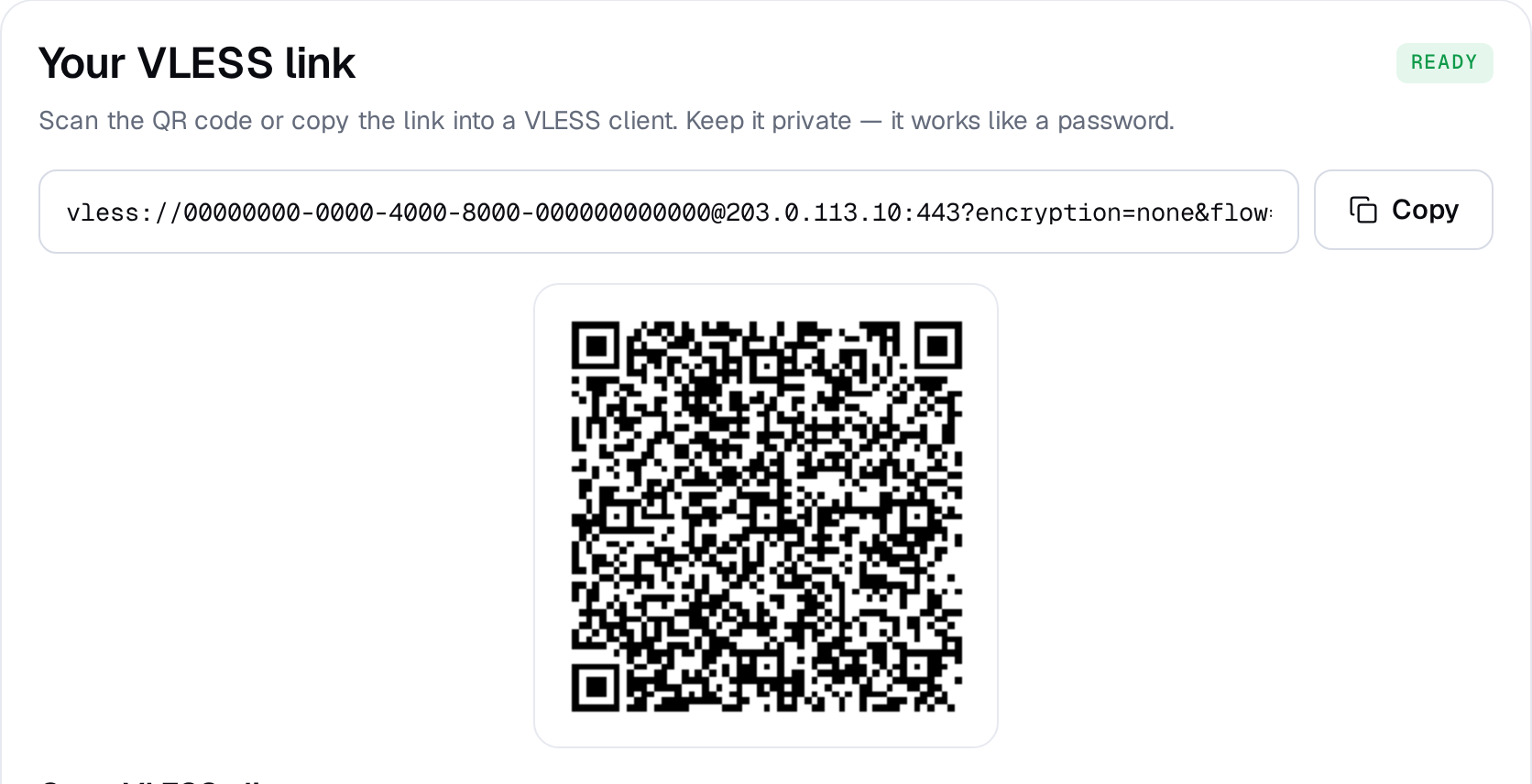
Example result — your values will be different. Device: choose New manual device the first time. Setting up the same device again? Pick it from the list to reuse its credentials instead of creating a new one.
-
Install Hiddify
Get Hiddify from the Microsoft Store, or download Hiddify-Windows-Setup-x64.exe from the official GitHub releases and run it.
-
Import your VLESS link
On the config page click Copy. In Hiddify click New Profile (the + button) and choose Add from clipboard. The profile appears in the list.
Profiles New ProfileAdd from clipboardScan QR codeAdd manually -
Switch to VPN mode
Open Settings → Config options and set Service mode to VPN. This routes all apps through RealVPN, not just the browser. Hiddify asks for administrator rights the first time — click Yes.
-
Connect
Select the RealVPN profile and press the big connect button.
Connected · RealVPN -
Check it works
Open realvpn.io — the Live check card at the top shows the IP and country websites see. It should be the RealVPN server, not your own.
Hiddify can’t connect? Generate a config for another location, or check I can’t connect. Generate a separate config for each device so you can manage them individually in My devices.