OpenVPN on Android
OpenVPN Connect or OpenVPN for Android.
Use the official OpenVPN Connect app on Android with your RealVPN configuration file.
What you need
- An Android phone or tablet
- An active RealVPN plan
-
Install OpenVPN Connect
Install OpenVPN Connect from Google Play.
-
Get your OpenVPN UDP (or TCP) config
Sign in at realvpn.io, open the Account menu and choose Manual VPN setup — or go straight to realvpn.io/settings.
Select OpenVPN UDP (or TCP), choose a location close to you and press Generate config. You’ll get a RealVPN.ovpn file (saved to your Downloads).
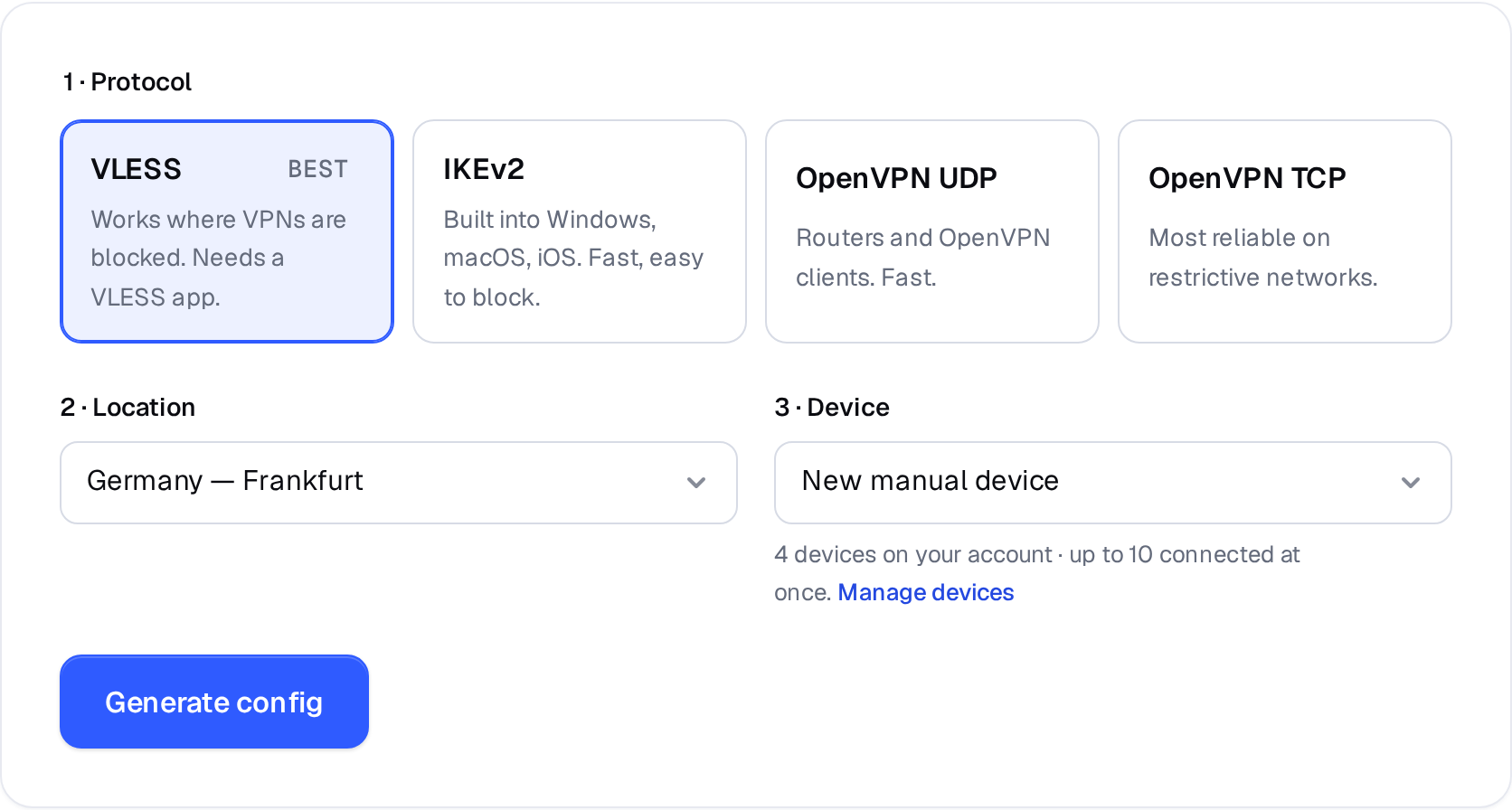
Manual VPN setup: pick a protocol, a location and a device. 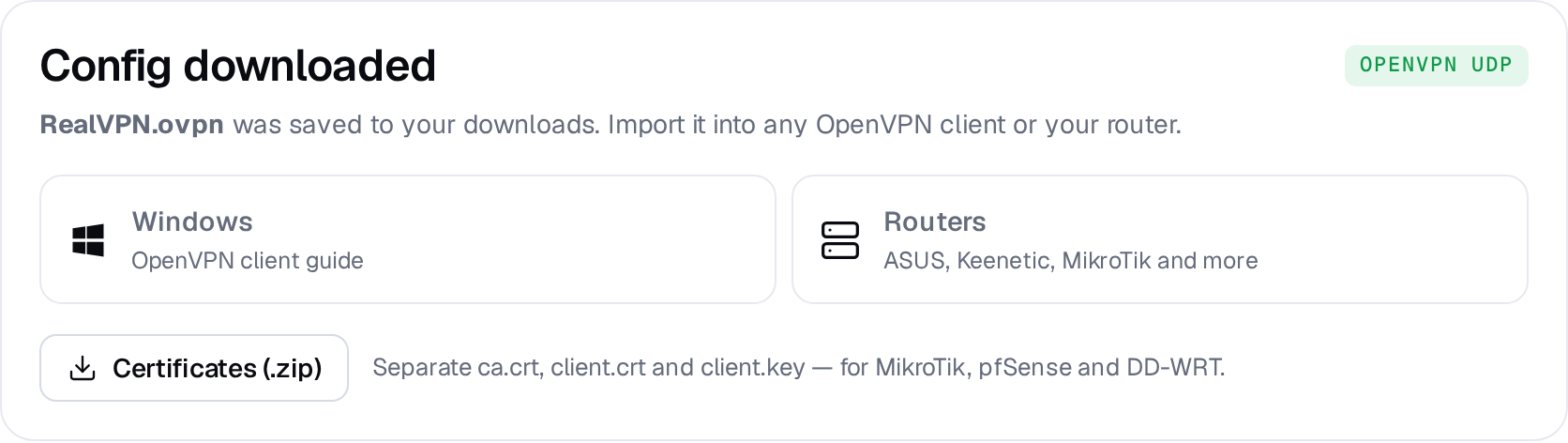
Example result — your values will be different. Device: choose New manual device the first time. Setting up the same device again? Pick it from the list to reuse its credentials instead of creating a new one.
-
Import the file
In OpenVPN Connect tap + → Upload File → Browse, open Downloads and select RealVPN.ovpn. Tap Add.
9:41●●● ▮Import ProfileURLUpload FileBrowse -
Connect
Flip the toggle next to the profile and tap OK on the Android connection request.
For always-on protection, enable Always-on VPN for OpenVPN Connect in Android Settings → Network & internet → VPN.