OpenVPN on Windows
OpenVPN Connect or OpenVPN GUI.
Use RealVPN with the official OpenVPN client on Windows — useful on PCs without the Microsoft Store or where you need a standard OpenVPN setup.
What you need
- Windows 10 or 11
- An active RealVPN plan
-
Get your OpenVPN UDP (or TCP) config
Sign in at realvpn.io, open the Account menu and choose Manual VPN setup — or go straight to realvpn.io/settings.
Select OpenVPN UDP (or TCP), choose a location close to you and press Generate config. You’ll get a RealVPN.ovpn file (saved to your Downloads).
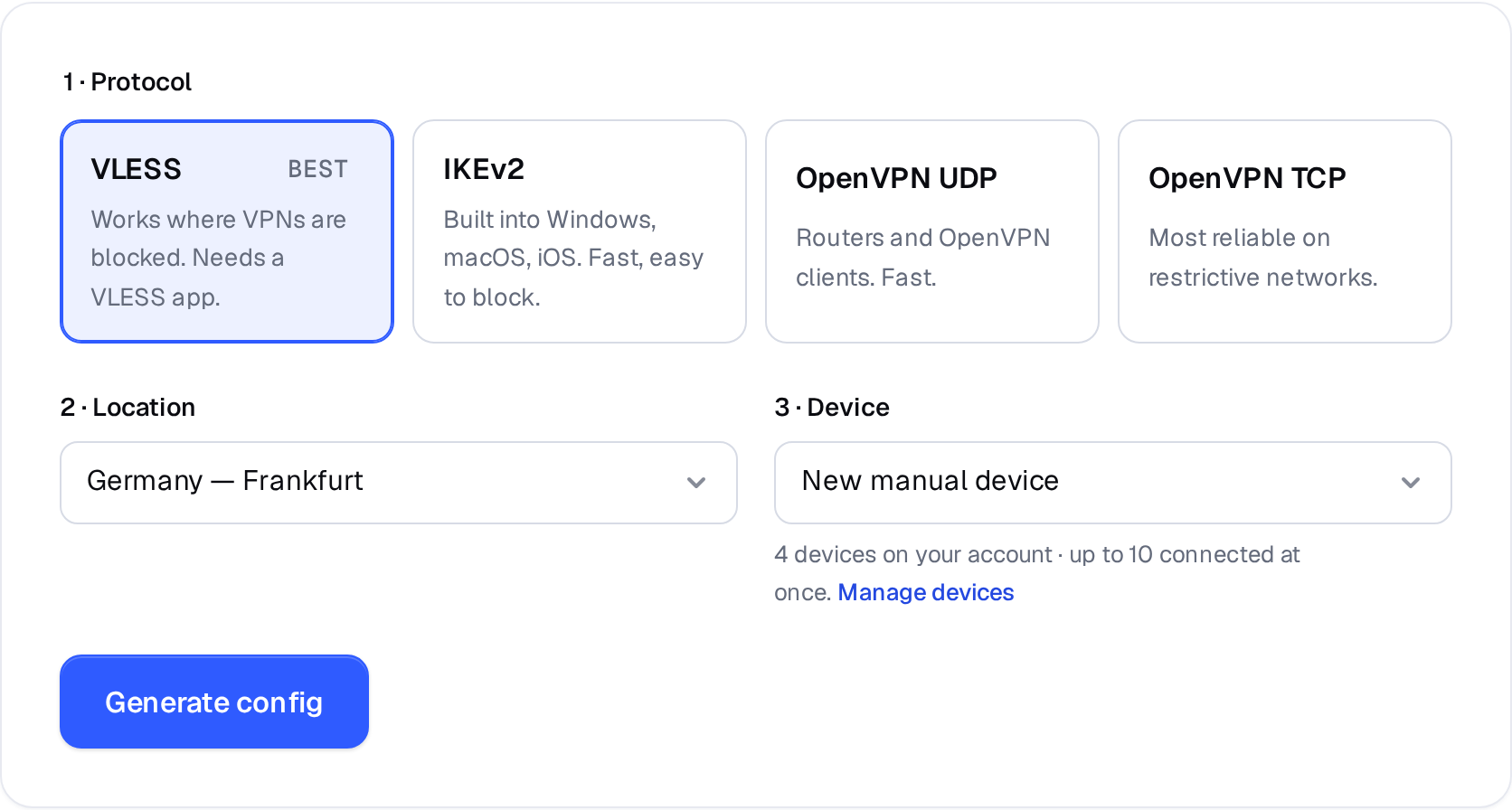
Manual VPN setup: pick a protocol, a location and a device. 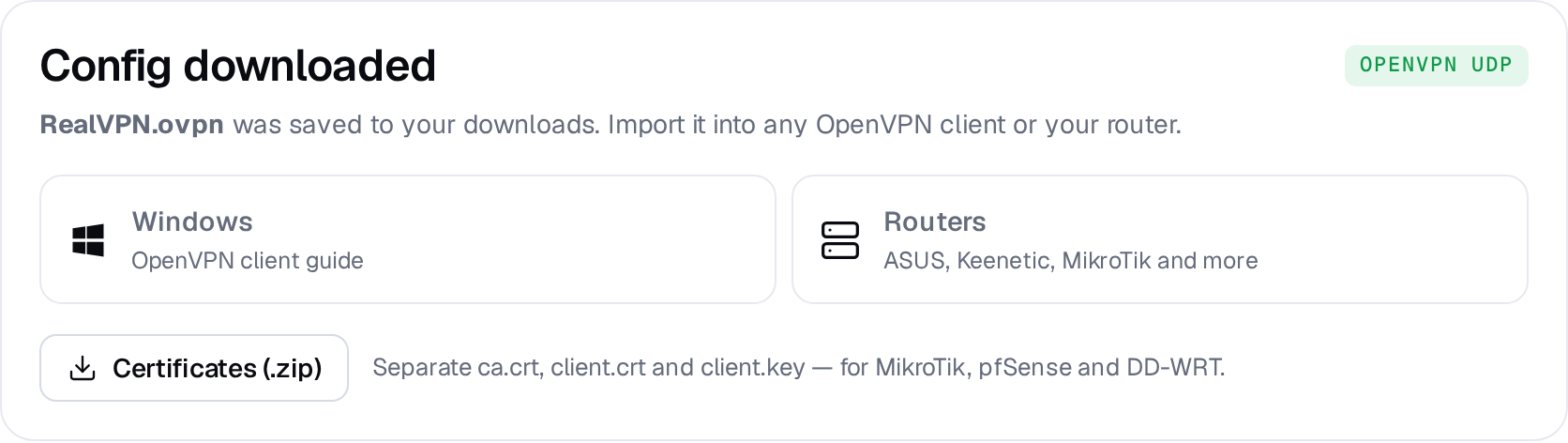
Example result — your values will be different. Device: choose New manual device the first time. Setting up the same device again? Pick it from the list to reuse its credentials instead of creating a new one.
-
Install OpenVPN Connect
Download OpenVPN Connect for Windows from openvpn.net/client and install it.
-
Import the .ovpn file
Open OpenVPN Connect, go to Import Profile → Upload File and drag RealVPN.ovpn from your Downloads folder into the window. Leave username and password empty — the file already contains your certificate.
URLUpload FileDrag and drop to upload .OVPN profile -
Connect
Click Connect, then flip the toggle next to the RealVPN profile any time you want to turn protection on or off.
RealVPN
de-fra.realvpn.space [RealVPN]CONNECTED · 00:00:14
Alternative: OpenVPN GUI
Prefer the community client? Install OpenVPN (Windows installer), copy RealVPN.ovpn to C:\Users\<you>\OpenVPN\config\, then right-click the OpenVPN icon in the system tray and choose Connect.
Need several countries? On the config page press All locations as .zip and import the files you want.