RealVPN on Android TV
Google Play on your TV or sideload the APK.
Use RealVPN on Android TV, Google TV, NVIDIA Shield, Chromecast with Google TV and other Android-based TVs.
What you need
- Android TV 9 or later
- Your RealVPN email and password
-
Install from Google Play on the TV
Open Google Play (or Apps on Google TV), search for RealVPN and select Install.
-
…or sideload the APK
If your TV has no Google Play, install Downloader from your TV’s store, enter
https://www.realvpn.io/assets/downloads/RealVPN.apkand install the file. Allow Install unknown apps for Downloader when asked. -
Sign in and connect
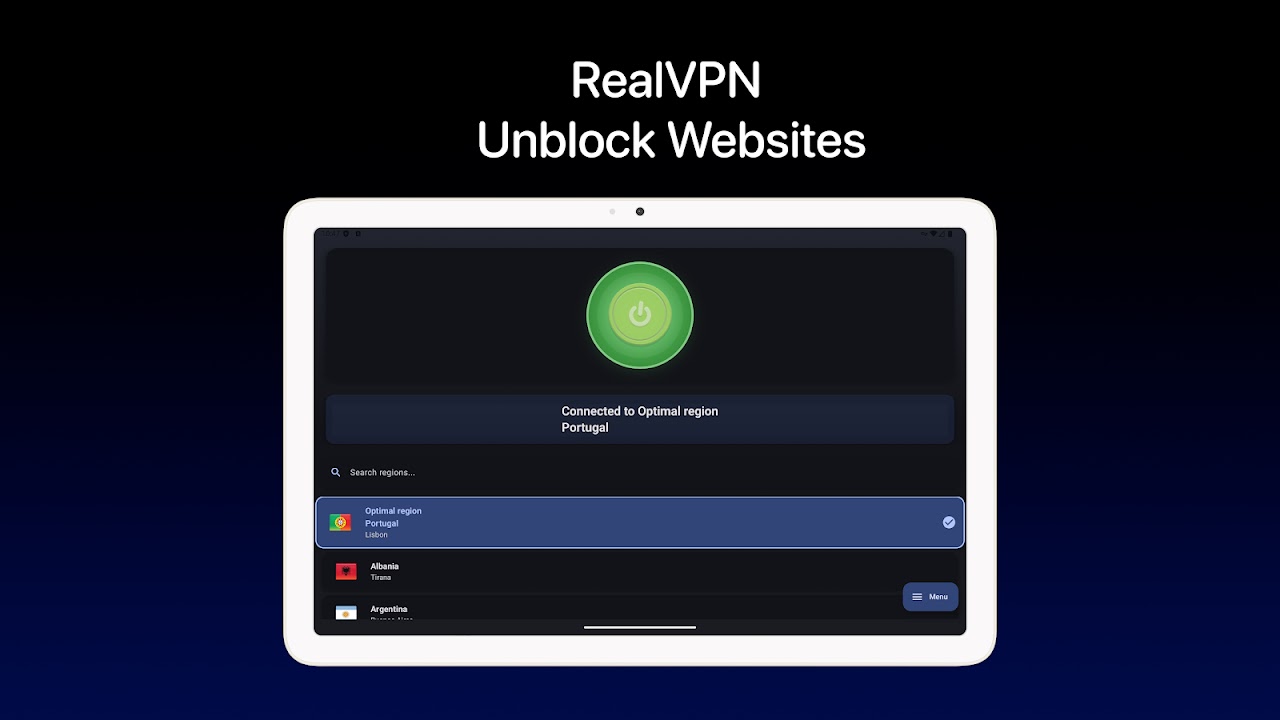
Open RealVPN, sign in, and press the power button. Choose OK when Android asks to allow the VPN connection.
Smart TVs without Android (Samsung Tizen, LG webOS) can’t run VPN apps. Protect them by setting up RealVPN on your router.