UniFi gateways
VPN Client with an OpenVPN file.
UniFi gateways (UDM, UDR, UCG, UXG) support OpenVPN client connections and policy-based routing.
What you need
- UniFi Network 8.x or newer
-
Get your OpenVPN file
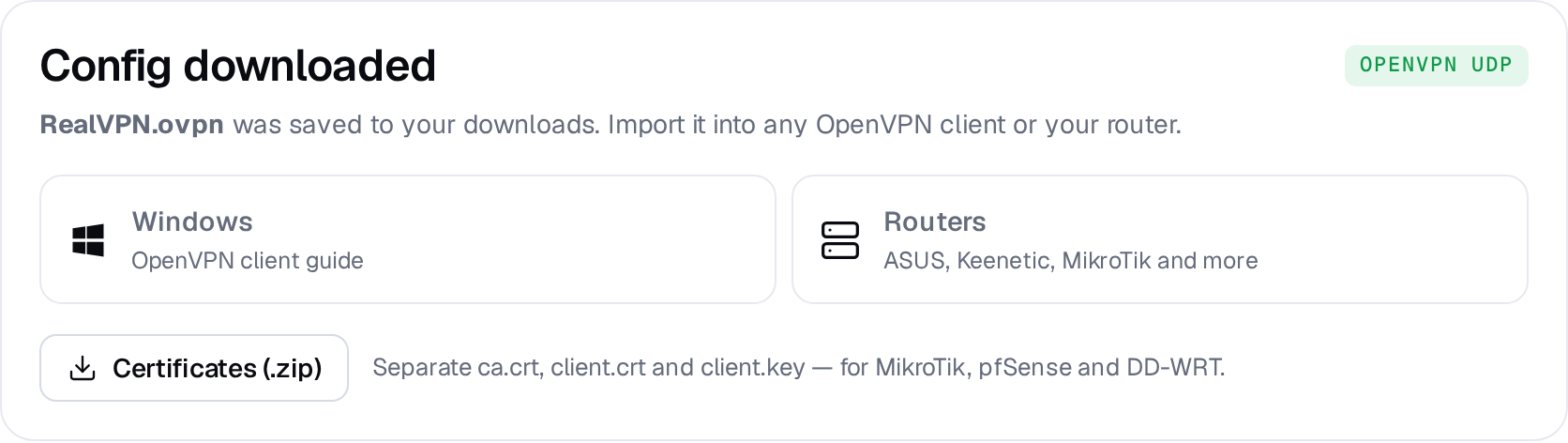
On realvpn.io/settings choose OpenVPN UDP, a location and New manual device, then press Generate config. RealVPN.ovpn is saved to your Downloads.
-
Create the VPN client
Open Settings → VPN → VPN Client → Create New. Choose OpenVPN, name it RealVPN and upload
RealVPN.ovpn. Leave username/password empty and click Apply Changes.UniFi · VPN ClientApply ChangesVPN TypeOpenVPNNameRealVPNConfiguration fileUpload file -
Route devices through it
Go to Settings → Routing → Policy-Based Routes (Traffic Routes on older versions), create a route with interface RealVPN and select the devices or networks to send through the tunnel. Turn on Kill Switch to block them if the VPN is down.