GL.iNet travel routers
Upload the config in the admin panel.
GL.iNet travel and home routers are made for VPNs — the OpenVPN client is built into the admin panel.
What you need
- Any GL.iNet router with firmware 4.x (Slate, Beryl, Flint, Brume, Mango…)
-
Get your OpenVPN file
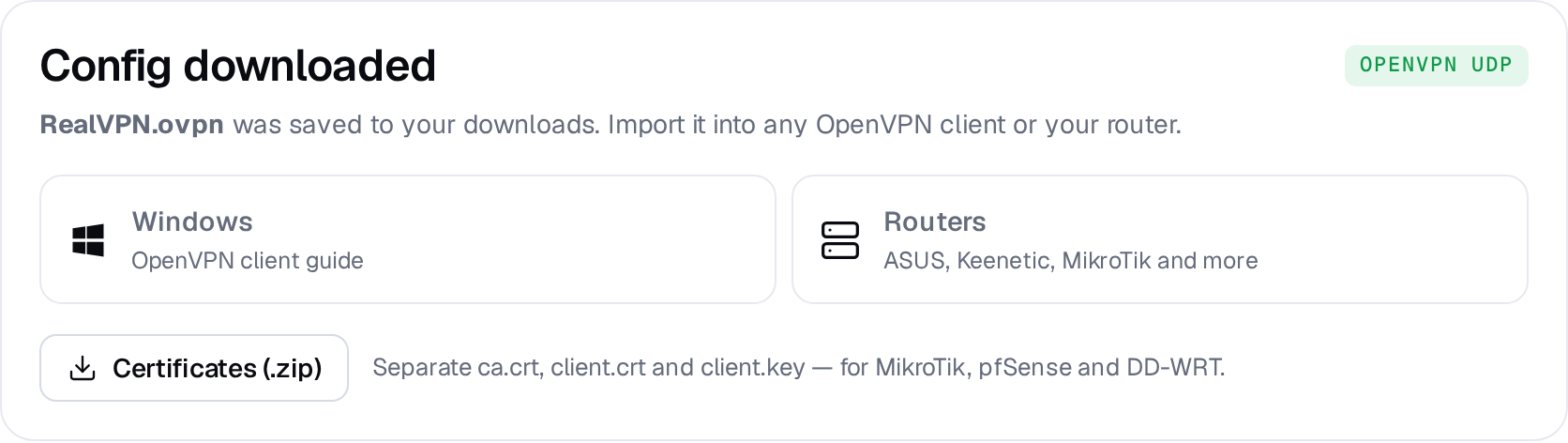
On realvpn.io/settings choose OpenVPN UDP, a location and New manual device, then press Generate config. RealVPN.ovpn is saved to your Downloads.
-
Upload the configuration
Open
192.168.8.1→ VPN → OpenVPN Client → Add a New Group (name it RealVPN) → Upload Configuration File and selectRealVPN.ovpn.GL.iNet · OpenVPN ClientRealVPNRealVPN.ovpn de-fra.realvpn.spaceUpload Configuration FileConnect -
Connect
Click Connect. Leave username/password empty if asked. Enable Block non-VPN traffic in the VPN dashboard for a router-wide kill switch.